Create Your Campaign
Let's design a campaign that will help your business grow
What type of business do you have?
Select the option that best matches your business
What's your business name?
This will appear on your loyalty card
Help customers find your store
💡 Type your address or tap 📍 to auto-detect. Location is optional.
What type of pass do you want to create?
Choose the best fit for your business
Membership Card
Digital membership for gyms, clubs, organizations (no points)
Punch Card
POPULARCollect punches for rewards (e.g., Buy 10 Get 1 Free)
Loyalty Points
Earn points for every purchase (e.g., $1 = 1 point)
Coupon
Digital coupons for promotions and special offers
Configure your pass details
Set up how your pass works
Customize your card design
Choose colors and branding that match your business
This will appear as the main title on your card
Upload your logo or choose from emojis below
Recommended based on your business type: ☕
Hero Image Tips
• Recommended size: 1125×432 pixels (Apple) / 1032×336 pixels (Google)
• Aspect ratio: ~3:1 (wide banner format)
• File format: PNG or JPEG, max 2MB
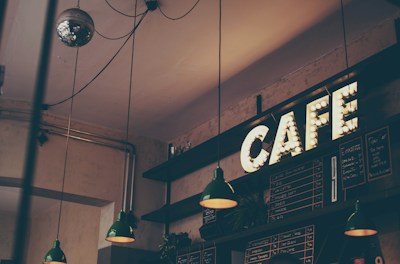
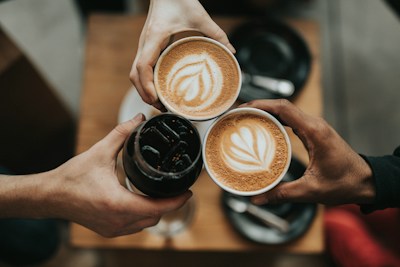
• Best content: Product photos, store interior, or promotional graphics
Upload your own image or choose from curated examples below
📷 Recommended images for your card type:

Choose what the QR code will contain
Add additional information to display on the pass
Click "+ Add Field" to add custom information like phone, address, etc.
Choose the barcode format for your pass
QR Code
Aztec
PDF417
Code128
None
Preview
Apple Wallet
Bean & Grind
Google Wallet
Bean & Grind
Specialty coffee & pastries